
CSS Tools Collection

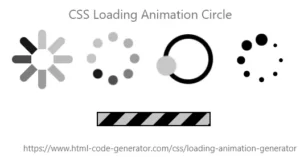
CSS Loader Generator
Generate custom CSS loaders instantly with live preview and ready-to-use code.
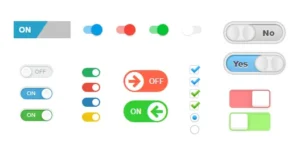
CSS Checkbox Generator
Generate custom-styled checkboxes instantly with the CSS Checkbox Generator.
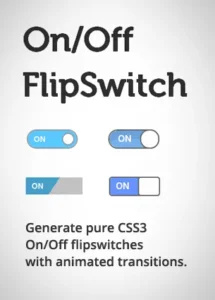
CSS Switch Generator
"Generate custom CSS switch buttons instantly with a modern and responsive design."
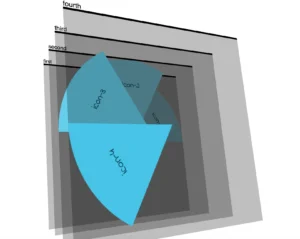
CSS Clip Path Generator
A visual tool to design, preview, and export custom CSS clip-path shapes for modern, responsive web layouts.
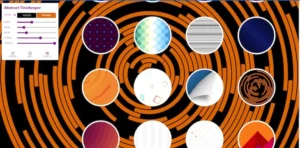
CSS Background Pattern Generator
A simple online tool that generates customizable, copy-ready CSS background patterns (gradients, stripes, dots, SVG textures) with live preview and download options.
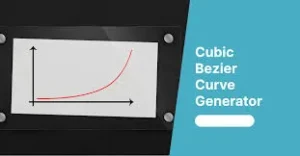
CSS Cubic Bezier Generator
Interactive visual tool to design and preview custom CSS cubic-bezier() easing functions with live preview and copy-ready code.
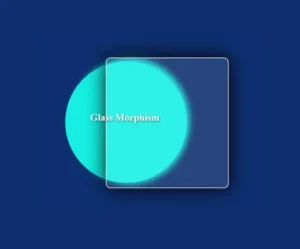
CSS Glassmorphism Generator A
Generate customizable CSS glassmorphism styles — blur, transparency, borders, and shadows — for ready-to-use frosted-glass UI panels.
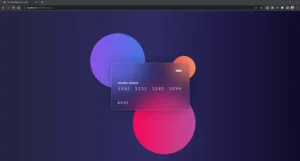
CSS Glassmorphism Generator B
Create frosted, glass-like UI panels with adjustable blur, transparency, and accent effects — and generate ready-to-use CSS for modern glassmorphism designs.
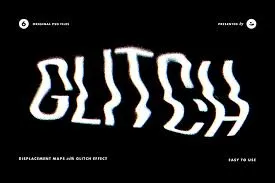
CSS Text Glitch Effect Generator
Create customizable animated CSS glitch text effects — tweak colors, distortion, timing, and get copy-ready code.
css gradient Generator
Create and customize beautiful CSS gradients easily with this Gradient Generator.
Master Web Design with Our Professional CSS Tools Collection
In the world of modern web development, CSS (Cascading Style Sheets) is the magic that brings a website to life. However, writing complex CSS code from scratch—whether it’s for gradients, glassmorphism, or intricate animations—can be time-consuming. The UserFineTools CSS Tools Collection is a curated set of free online generators and optimizers designed to help developers and designers save time and create stunning visuals.
Why Use Online CSS Generators?
Speed Up Development: Instead of manually typing properties for shadows, borders, or layouts, you can use our visual editors to generate perfect code in seconds.
No-Code Visual Editing: You can see changes in real-time. Simply adjust the sliders for blur, transparency, or color, and watch the preview update instantly.
Clean & Efficient Code: Our tools are built to output clean, minified, and browser-compatible CSS, ensuring your website remains lightweight and fast.
What You Will Find in Our CSS Suite:
Layout Helpers: Tools to manage spacing, flexbox, and grid layouts with ease.
Visual Effects: Generators for Box Shadows, CSS Gradients, and the popular Glassmorphism effect.
Optimization Tools: CSS Minifiers to reduce your file size and improve loading speed.
Whether you are a beginner learning the ropes of web design or a professional developer looking for a faster workflow, our CSS Tools Collection provides the precision and ease you need. Start building beautiful, modern websites with UserFineTools today!
Frequently Asked Questions
Q1: Will the generated CSS code work in all web browsers?
Our CSS utilities automatically include “Vendor Prefixes” (like -webkit-), ensuring your designs look identical on Chrome, Safari, Firefox, and Edge.
Q2: Why use a pure CSS Loader instead of an animated GIF?
Pure CSS is lightweight and infinitely scalable. It uses less data and loads instantly, whereas GIF files can slow down your site and look blurry on high-resolution screens
Q3: Can I preview the Glassmorphism effect in real-time?
Yes, our visual sliders for blur, transparency, and shadow allow you to see your design evolution instantly before you copy the final code snippet.
Q4: How many colors can I add to a Gradient design?
Our advanced [CSS Gradient Generator] supports multi-color stops, allowing you to build complex metallic or atmospheric textures with up to 10 distinct layers.
Q5: Is there any external library required to run this code?
No. All our CSS tools produce vanilla HTML/CSS, which works natively in any modern browser without needing Bootstrap or additional frameworks.