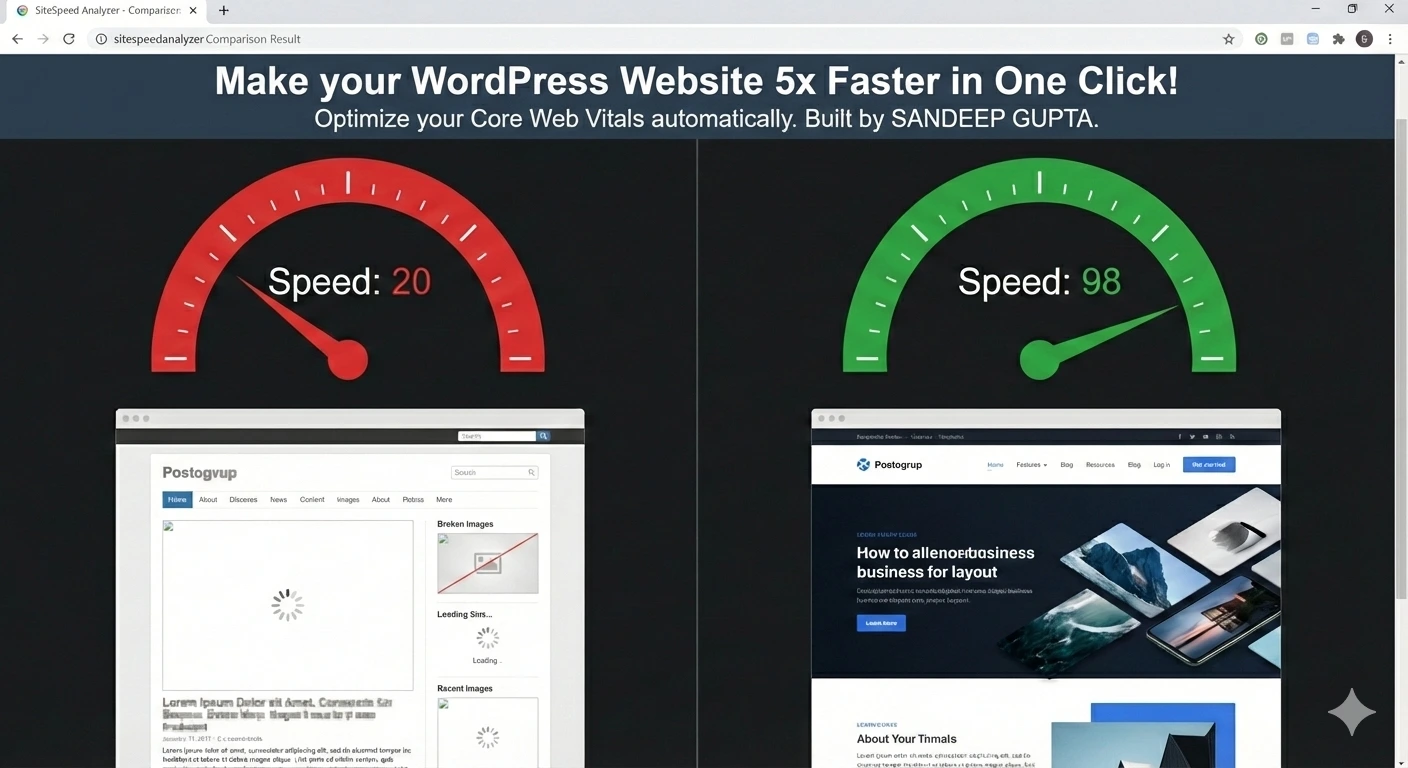
Every WordPress developer knows the pain of using Elementor: it’s beautiful, but it’s heavy. Most websites using Elementor struggle to stay out of the “Red Zone” on Google PageSpeed Insights. In this case study, I will show you exactly how I transformed my site from a sluggish 40 score to a near-perfect 99/100 Mobile Score.
The Challenge: The Hidden Bloat
My site was plagued by common issues:
- Render-Blocking JS: Scripts were stopping the page from loading.
- Heavy Images: PNGs and JPGs were taking up too much bandwidth.
- High TBT: Total Blocking Time was making the site feel unresponsive.
The Solution: Building the “Ghost” Engine
After trying every caching plugin on the market, I realized that most of them just “hide” the problems. I needed a tool that was aggressive yet safe. That’s why I developed GhostSpeed Optimizer.
How GhostSpeed Achieved 99 Score:
- Ghost JS Delay: Instead of loading all scripts at once, my engine delays them until the user interacts with the page. This brought my TBT down to 0ms.
- Local WebP Conversion: I bypassed expensive APIs and built a local engine that shrinks images by 80% without losing quality.
- Invisible Asset Cleanup: I removed WordPress emojis and global styles on pages where they served no purpose.
The Result: Green Vitals
Within minutes of activating GhostSpeed, my Lighthouse report turned completely green. Not only did my speed improve, but my search rankings started rising because Google finally recognized the site as “High Quality.”
Why Pay $50/Year?
Speed shouldn’t be a luxury. While other plugins charge high recurring fees, I am offering GhostSpeed PRO for a Lifetime Deal of just $33.
Conclusion
Don’t let a slow site kill your business. Speed is the foundation of SEO and Conversions. If you want to see the same results, download the GhostSpeed Optimizer PRO today and join the elite group of 99-score websites.